 MacroPad Studio
Set up your macro pad visually.
Select a key or dial, build its shortcut and save the setup to a compatible USB pad. Rotate the layout to match the way you use it.
Mac App Store release in preparation. Launch price: US$2.99, with local prices set by Apple.
Not available for purchase yet. Requires macOS 13 or later, Apple silicon and compatible USB hardware.
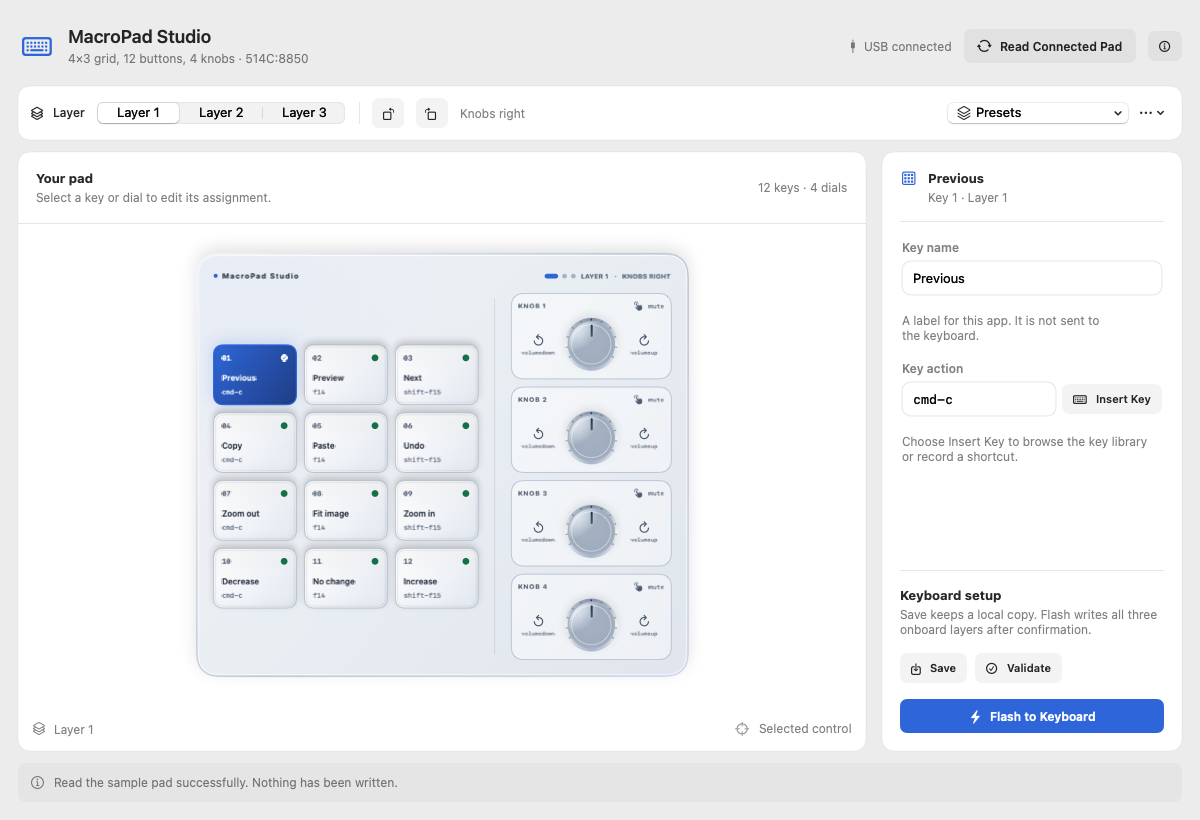
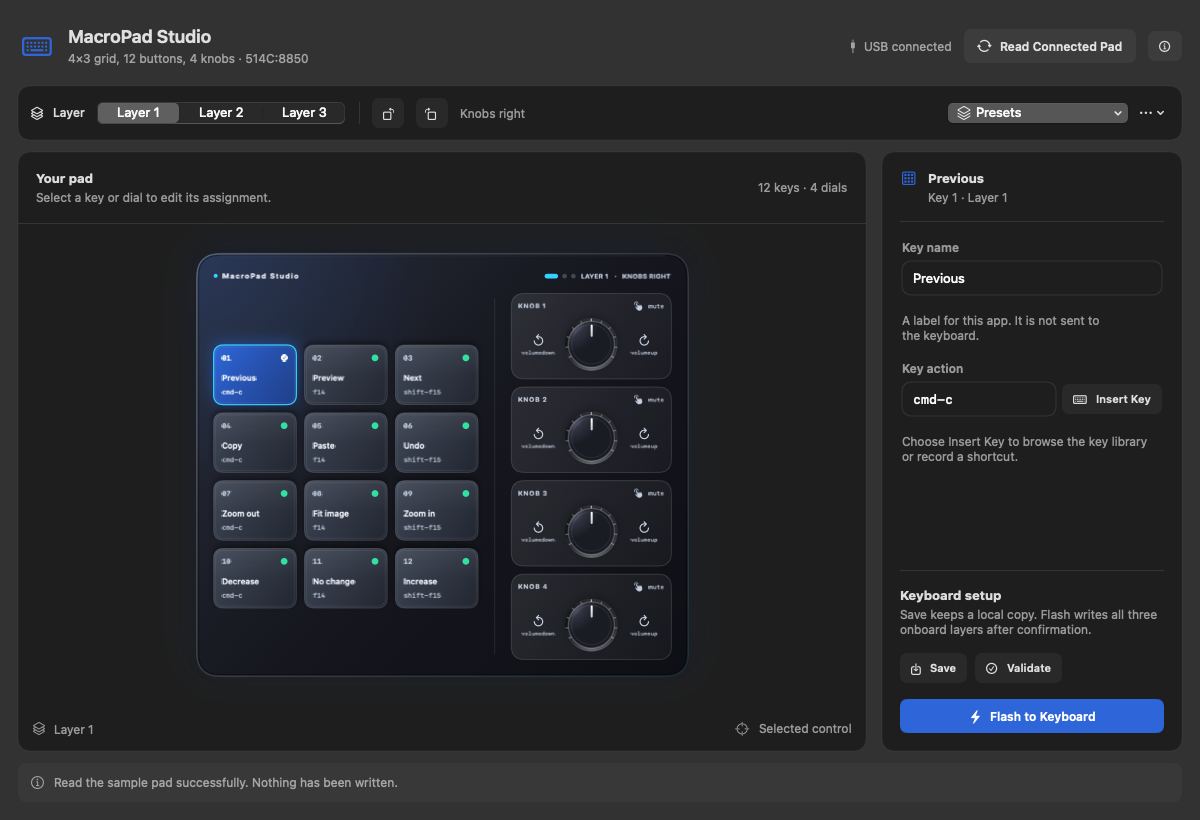
Keys, dials and layers
Use the searchable key library or record a shortcut. Add names that make sense to you, switch onboard layers and save reusable presets for compatible layouts.
Changes stay in the editor until you confirm a write to the keyboard. QMK changes are read back for verification.
Check your hardware first
Supports selected CH57x macro pads and QMK devices using VIA or Vial dynamic keymaps. A VIA layout may need an imported device definition.
Support depends on the controller and firmware, not just the product name. Firmware installation is not included.